Leave Types
A selection of preconfigured leave types is available for ease of setup.
What a new organization starts with
Completing setup creates ten leave types, so you can start booking time off without configuring anything first. Each one requires manager approval and can be renamed, recoloured or deactivated.
| Leave type | Paid | Deducts from | Visible to colleagues |
|---|---|---|---|
| Annual Leave - Vacation Time | Paid | Annual balance | Private |
| Sick Leave - Paid | Paid | Sick balance | Private |
| Sick Leave - Unpaid | Unpaid | — | Private |
| Working from home | Paid | — | Visible |
| Special Event Leave | Paid | — | Visible |
| Maternity | Paid | — | Private |
| Paternity | Paid | — | Private |
| Meeting | Paid | — | Visible |
| Compassionate | Paid | — | Private |
| Unpaid Leave | Unpaid | — | Private |
"Private" means colleagues see that the person is away without seeing why. The annual allowance you choose during setup fills the Annual Leave balance; the rest carry sensible defaults you can change.
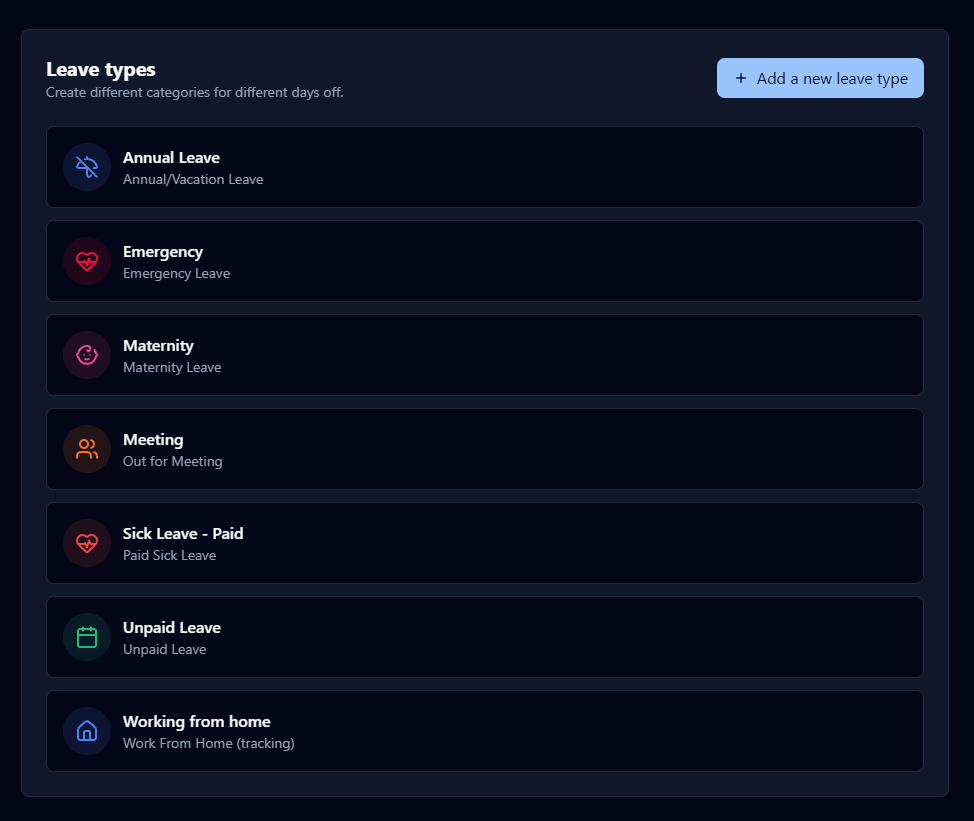
Leave Customization
Click Add New Leave Type and configure the leave settings based on your requirements.
Deduction Bucket :
Specify whether this leave type should deduct from the annual leave balance, the sick leave balance, or remain non-deductible.
Allowances :
- Specify whether manager approval is required for this leave type.
- Specify whether this leave type is classified as paid or unpaid leave.
- Enables users to request and apply this leave type.
Appearance
Customize the visual appearance of the leave type to improve usability and differentiation.